For builders and every trade who want their evenings back.

The paperwork's done before you get home.

Site Desk is the office side of your trade, run by an assistant you talk to instead of type at. Builder, sparky, plumber, plasterer, on your own or a few of you. You send it a voice note off the job. It writes the customer update, the quote, the invoice. You read it, you say yes, it sends. You stop doing the books at nine o'clock at night.

See if it fits how you work No app to download.
It lives in WhatsApp and your email.
A builder in a hi-vis vest on site, speaking a voice note into his phone held to his mouth

/ How it works, in one line

You speak. It drafts. You approve. Nothing leaves your phone until you've read it and said yes.

No message gets posted to a customer, no invoice gets paid, no quote goes out, until you (or whoever does your books) have looked at it and approved it. The assistant keeps you up to date and does the writing, in your tone of voice, right for the situation. The final act is always yours. That's the whole arrangement, and it doesn't change.

/ What it takes off your plate

Three jobs you'd rather not be doing after tea.

The first two are the ones that pay: pricing the work, and getting paid while it runs. Same routine for all three. You talk to it like you'd talk to a mate on the job, and it comes back tidy, in your own words, ready to go out when you say yes.

01

Pricing a job up

Get the price right and you've got the job. Walk round, talk the prices as you go, room by room, a voice note at a time. It builds the quote line by line while you talk, laid out the way you've always laid yours out, ready for you to check and send. You do the pricing. It does the typing.

A quote drafted by the time you're back in the van
02

Valuations, so you get paid through the job

On anything bigger than a day's work the money comes in stages, and every stage wants a valuation: what's done, what it's worth, what's due now. Send one voice note off the job, "first fix done, plasterboard up, kitchen units next week", and you get two things back. A plain progress update for the customer, and the interim valuation and application for payment to go with it, priced straight off the quote you already agreed.

You check both, you send them, and you get paid for the work you've done instead of carrying the job on your own money for months.

Stage payments raised on time, so the job never runs on your cash
03

The final account, and chasing what's owed

When the job's signed off, the assistant drafts the final invoice off everything you've already told it: the quote, the valuations, the extras, in your wording, ready to go out as soon as you say yes. If you take on subbies, they message the days they've worked to a number set aside for it, and it logs each one against the right job. When anything goes past due, it lets you know and drafts the reminder, polite, in your own tone, right for how late it is. You read it, you send it.

Invoices out on time, the reminder drafted before it gets awkward

/ What you don't get

No new kit to fight with.

Most software wants you to learn it. This one fits round how you already work, whatever your trade. The list of things it doesn't make you do is half the point.

No app. It runs in WhatsApp and your email, the two things already open on your phone. Nothing to download, nothing to log into on a ladder. And your job files sync to your phone like a normal folder: drop a supplier bill in, the paperwork comes back.
  • No portal for customers. Your customers carry on in the same WhatsApp chat they're already in. No login, no "have you checked the dashboard", no app you have to talk them into.
  • No learning curve. If you can send a voice note, you can run it. There's nothing to set up each morning and no menus to remember.
  • No nothing-goes-out-blind. It never sends, posts or pays on its own. You approve everything first. It drafts, you decide.
  • No shared cloud. It runs on your own private cloud, with your own private AI. Nobody else is on it. Your jobs, your customers and your data stay yours and stay private.

/ Beyond the admin

And the same job progress sets up the next one.

You're already taking photos for the customer and the valuations: the finished rooms, the before and afters. Those same photos are what bring the next customer in. Site Desk does that job too, off what's already on your phone. Same as everything else, it makes it, you look at it, nothing goes out till you say so.

A website

Built from what you've already got

Your old job photos and past posts are enough. Site Desk turns them into a proper website for the business. No new shoot, no sitting down to write the copy, no web designer to chase or pay.

Social posts

Ready to put up, from work you've done

It writes the posts and captions and pulls the pictures from jobs you've finished, so your feed keeps ticking over. You're not sat on the sofa of an evening trying to think what to put.

A page per job

A little showcase for each project

Every job can get its own page, a tidy showcase of that one project you can send to anyone. Good for word of mouth, good for the next customer who wants to see what you turn out.

You'd rather be on the tools than doing any of this. So Site Desk makes it for you off the jobs you've finished, then puts it where homeowners go looking for a builder. That place is Venio.

/ The Venio Network

So the work you've done gets found.

Visit venio.network →

Venio is the website homeowners go to when they want a builder, the same sort of thing as Houzz or Checkatrade. The difference is you don't pay to be on it. It comes with Site Desk.

Every plan includes a free Venio listing. Sign a job off and a tidy page of that work, the customer's details taken out, goes up on your Venio profile on its own. Someone looking for a builder in your area sees real finished jobs and real reviews, not just your name on a list.

/ Plans

Two plans. Both come with your Venio listing.

The research says the paperwork costs a builder about 7 hours a week. Put a price on that time: £25 an hour for a virtual assistant who couldn't really do it, up to £100 an hour for your own time on the tools. That's £175 to £700 a week of you, gone on the office. Site Desk gives that time back for less than the bottom of it. Pick the plan that fits how many of you there are. The free Venio listing is in both, it all runs on your own server, which we look after, and your data stays yours.

Site Desk Builders

£750 /month

Works out under £175 a week

For main contractors and growing firms

  • Everything in Site Desk Trades
  • Full cross-trade materials catalog
  • Advanced project management
  • Subcontractor timesheet capture
  • 16 GB dedicated server, managed by us
  • Priority support
Talk to us

The builder trying it first put it best: the monthly number looks like a lot at first, but worked out by the week it's under £200, and that's obviously fair. All prices exc. VAT. The server and the software are in the price, we run the lot for you. Cancel any month.

/ From the firm trying it first

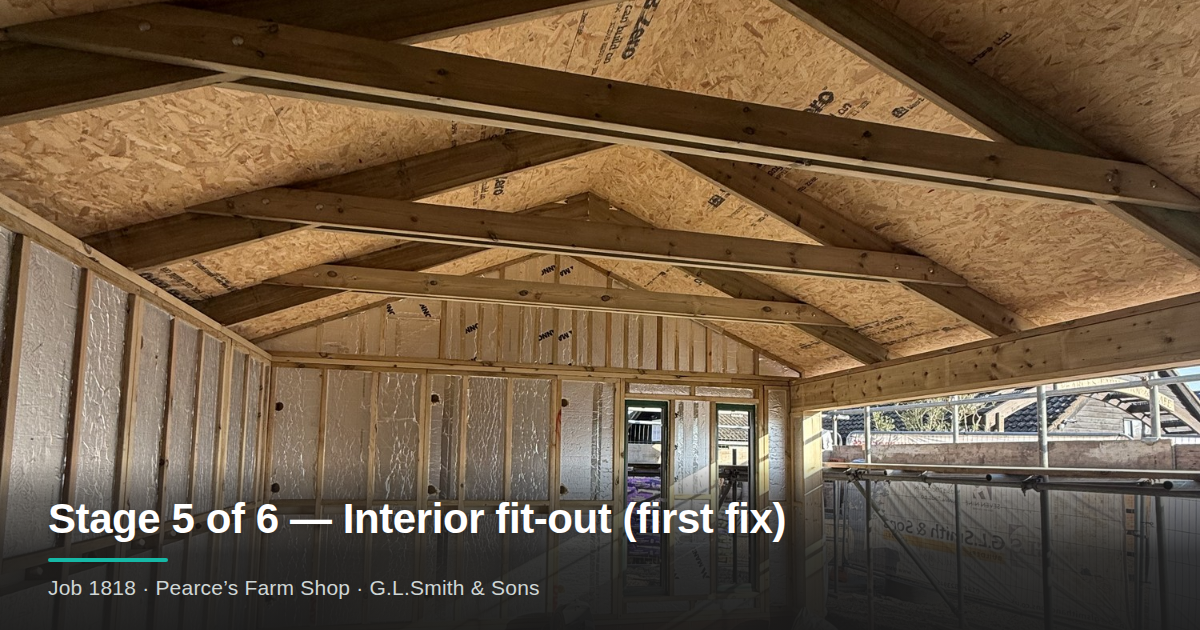
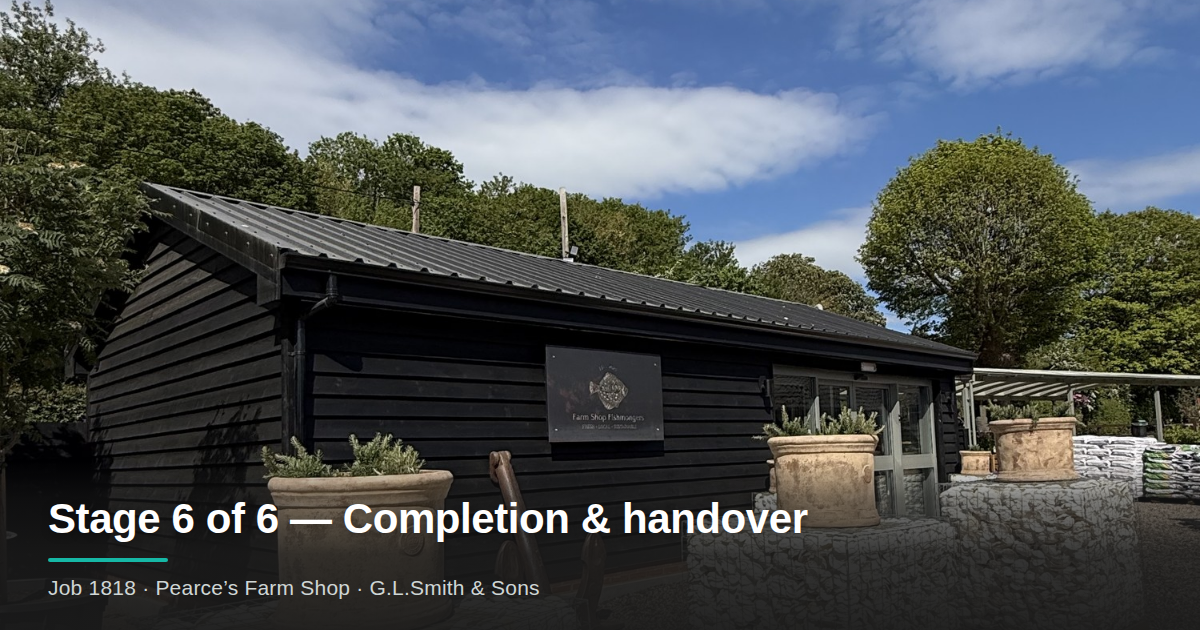
Dale Smith of G. L. Smith & Sons on site
"I've been on the tools over twenty years. The building was never the hard bit. It's the paperwork that follows you home. This does the office and still lets me have the last word on everything before it goes out."
Dale Smith, G. L. Smith & Sons  ·  family builders, Hertfordshire

/ Have a word

Tell us about your trade.

We're setting it up with a handful of trades first to get it right, sole traders and small firms alike. Leave your details and a line about the kind of work you do, and we'll be in touch about a look.

Email or phone, whichever suits. A real person reads every one of these.

Email or phone, whichever you prefer.

/ Cheers, that's come through.

We've got your details and we'll be in touch shortly. If it's easier, you can always reach us on the same number you'd reach the office.